I understand the concepts that are being discussed in this weeks tutorial, and how people would gain valuable information from changes in language. However, as someone who learns audibly or kinetically, I struggle with extracting an ability to apply these techniques to myself and where my research interests lie. Having said that, the one visualisation that I can appreciate that was presented this week was the “In a Word” project, to me it provides a good starting point of looking at a particular month in modern history and the topics that were most relevant at the time, not just the topics that we now consider important looking back. For example I was surprised that Snowden only occurred as the main topic in one program in one month, I had expected him to be a much bigger story, although this could be because it is a data set drawn from an Australian provider and Snowden did not have a particular impact on our politics or intelligence community.
Reflection – Week 5
What I found to be most interesting about this weeks activities was typing in what words were used in election speeches since 1901. One example that stood out was that the using the word commonwealth to describe Australia was primarily used before WWI and between the two wars as well as a bit after WWII. Interestingly the word commonwealth isn’t mentioned again until 1972, the year Whitlam was elected. Whitlam uses the word commonwealth and nation many time in his 1972 speech, more than any other election speech that has been given.
Another interesting example was that the word environment had not been used in any election speech until 1977 and has not been mentioned since 2001. This pattern illustrates how in recent politics the topics that have been the most important have not necessarily been about the sustainability of Australia’s environment.
Week 5 Reflection
The most enjoyable part of this weeks lesson was looking through the various Australian Election speeches. In searching different words I found it unexpectedly enlightening to work out what it was referring to. For example I searched the word ‘cheese’ thinking it was going to be rather amusing and discovered when looking through the speeches it referred to that it was mentioned when talking about the Dairy industry. Just in case you were interested the word ‘cheese’ appears most often in 1958 in the speech by Herbert Evatt, who mentioned it 4 times when talking about the losses experienced by the Australian Dairy industry during that time period.
The most intriguing search for me was looking for ‘sex’. I know, I couldn’t resist the call of immaturity. All mentions of it refer to gender obviously but the first mention ever was in Alfred Deakin’s speech where he talks about his plans to reduce the 6 laws of Marriage and Divorce in Australia to one single law that could be used all across the Commonwealth.
The only thing I found irritating about the “Explore the Election Speeches” function was that when it showed you the mentions of it in the speeches it didn’t tell you if it was in one only or both of the speeches. I only found this irritating since in clicking on the link it takes you to the given year that the speeches occurred but doesn’t not let you know which speech the term occurred in. I just found that slightly frustrating and if I was looking to add more ‘ease of use’ capabilities I would provide an indicator as to whose speech or speeches it occurred in.
Week 5 Reflection_Yizhuo Zhang u3125186
In this week, I explored how to analyse text with variety of tools.
When I looking at the Newspaper articles of The Great War vs First World War & World War I, I found in 1916 there are a few data about World War I. But logically, people won’t call it as ‘World War I’ before WW2 occurs. As the reason presented in course handbook, that’s due to users tagged ‘World War I’ when they viewing other articles.
But, I think it shouldn’t happened, when making QueryPic, users tags should be ignored, or other methods to exclude them to enhance the accuracy.
When I using Google Ngram Viewer tool to compare ‘China,Japan,America’ in English, and ‘China,Japan,USA’ in English as well, I found the ‘USA’ comes up very late, just until 1940s, but the ‘America’ are always very high. Does ‘USA’ just founded in 1940s? Definitely not. I’ll explore it further.
I found ‘wordcounter’ www.databasic.io is quite useful to present the ‘most’ and ‘least’. Especially for journalist, they love to write what the politician says most often. And when I analyse journal articles, speeches, it’s also quite useful. I think I will use it for my project, as it can count what people said most, I can analyse the situation at that moment (Tian’anmen massacre).
SameDiff is also very interesting, it’s a tool that can help compare text. Yeah, it’s also useful for journalist.
http://voyant-tools.org/ can create the ‘cloud’, actually this kind of tool has also appeared in some social media. In Sina Weibo, users can use a plug-in to create their unique image, usually some words that they use most often in their post.
http://voyant-tools.org/ and SameDiff can also customise exclude certain words that you don’t want (or you only want) to be counted. It can give user a more clear vision.
Week Five
This class was very interesting to me, especially as I am taking literature as a major. What words we use and how we use them are vital in any field of study, as the communication of information, feelings and history is a salient part of humanity and society. Quantifying them into a manageable state or data set makes it easier to pick apart, reflect and study them was the purpose of this weeks class. It’s cool how you can start off with a question like when did we start saying World War I, or you don’t have to have a question at all and finding answers with in what you’re given is also a way of using the data. For example it was interesting in a sample from SameDif the comparison between Hilary Cliton’s speeches and Donald Trump’s. It showed what words they both used, and what words each only used with no cross overs. Clinton hadn’t used Mexico once, whereas it was one of Trump’s most used words. These programs offer such a simple way of finding windows into history by seeing how we write and talk about the world around us.
Week 5 Reflection
Querypic was lots of fun to search through the various Trove records and see it as tangible data, although the results can’t necessarily be proof of anything they are an extremely fast, easy to use and broad way to look for patterns in digital heritage that may be useful for further investigation and study.
Similarly, Googles Ngram viewer was great and even more helpful in looking for patterns to investigate with more detail. I found it very interesting for example that milk and sugar results peaked during world war one then went back down to then peak again during world war two. I mean probably just wartime rationing but then egg is much more consistent, even if it ends up being something simple or not worth further investigation it is potential data I would have actually not known about without the use of Google Ngram viewer.
With a little research, it seems eggs were rationed as were available as opposed to milk and sugar, interesting!
Week 5 Reflection
In this weeks class we looked at different ways in which data can be presented from a search engine sort of format. A lot of it really focused around a comparison between one piece of information to another. An example of this and a part of the class I found to be really engaging, entertaining and interactive was looking at and using googles ngram. With this tool you can look through different distances of time for the frequency of terms and words used in different books. An interesting example of how ngram can teach you different things is like in class when Tim demonstrated the difference between the letters f and s throughout history, this also demonstrates however that the search aspect of things can really muddle things up as its only looking for key words and not an actual context like what is really required when doing proper research and displaying of data.
Week 5
I found quite interesting this weeks class.
The different ways of comparing texts and see which words have been use by different people or eras and at the same time which ones have been used as a same level.
Finding how much has a word been used in a certain text also gave me a great idea to narrow down possibilities and time on text reading.
these class tools help me develop my proposal idea and gave me great tools to work with.
Below some images related to the words found on a website text using Voyant:
50 words
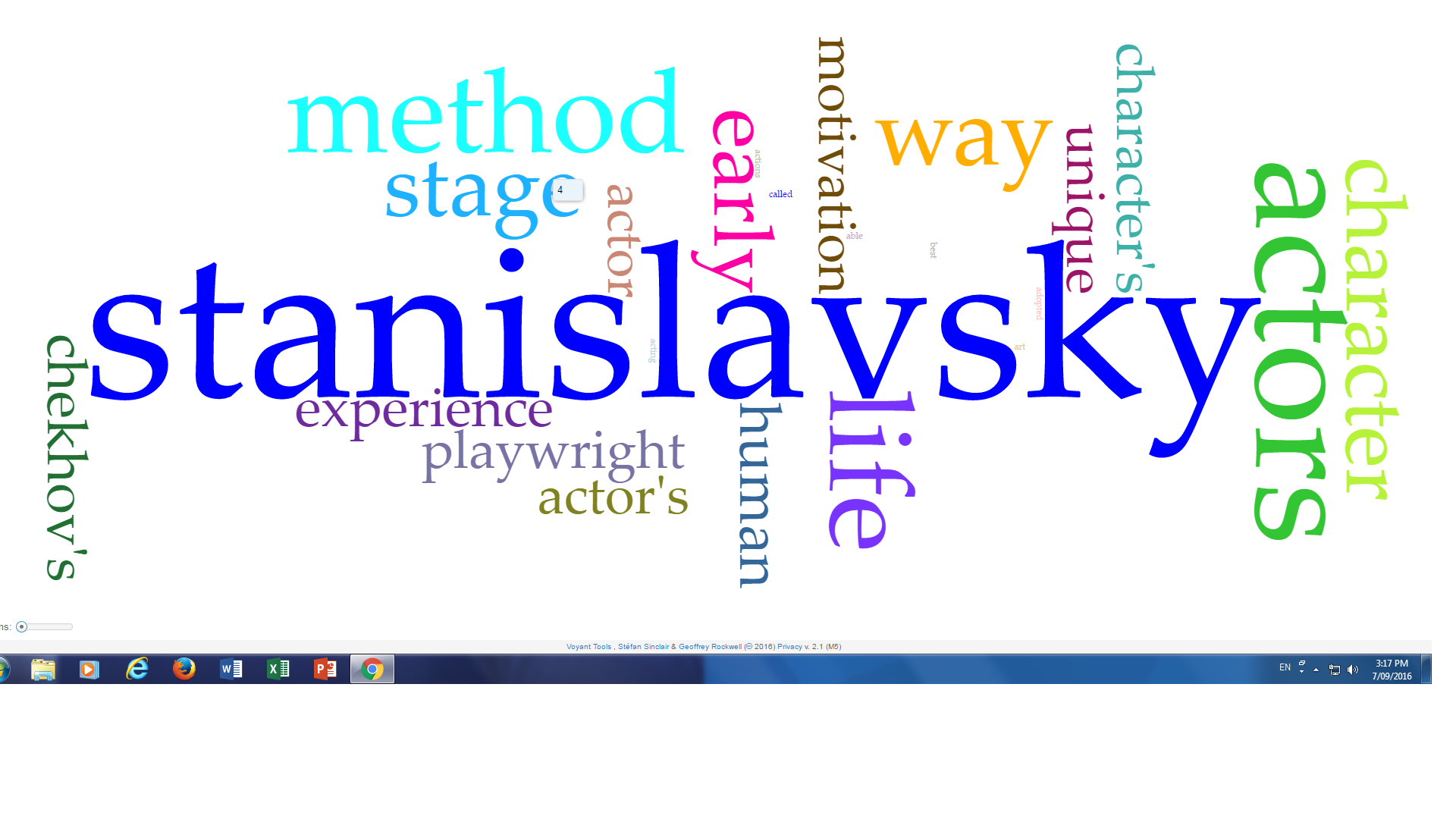
500 words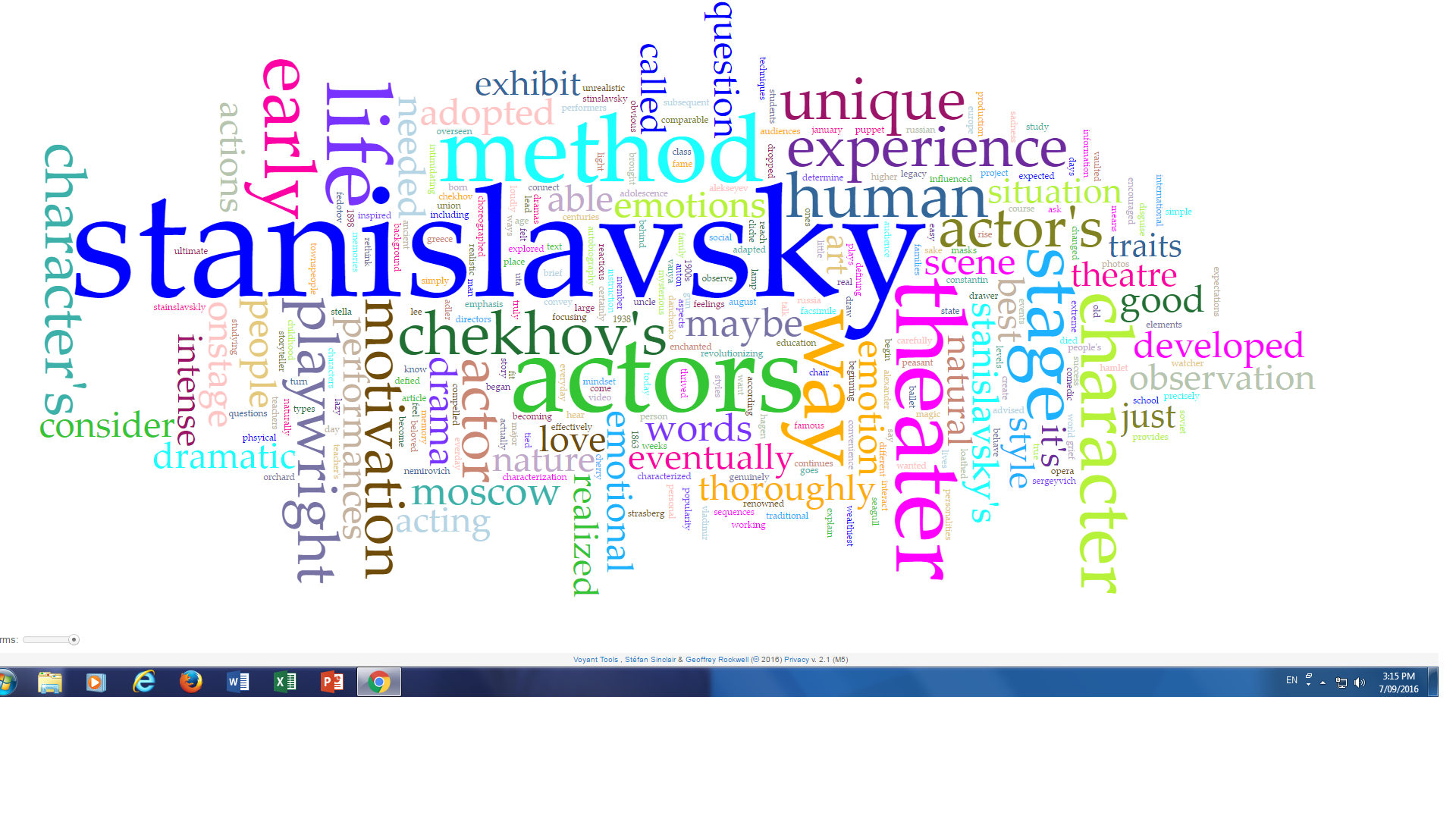
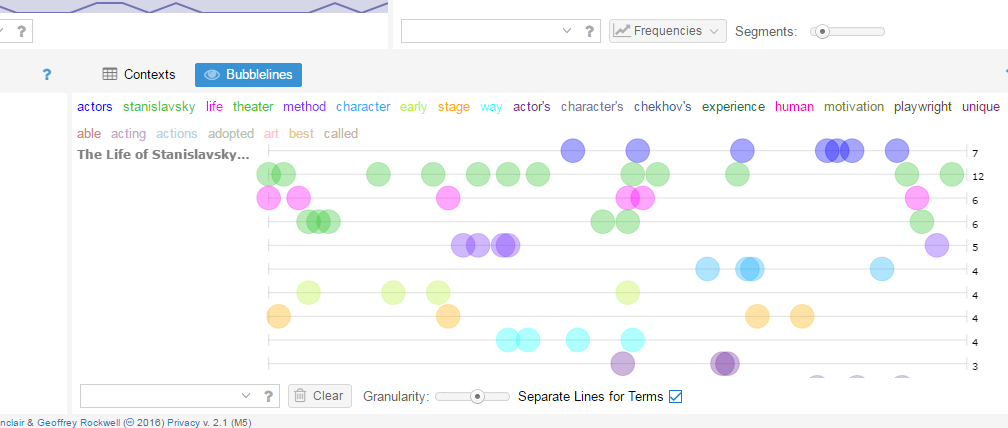
The tools we used in this class also help us recognize or make us question things that we wouldn’t have otherwise due to the fact that, narrowing down data, we can actually pay more attention to the information that is actually out there for us.
I enjoy the class! thank you.
Week 4 Reflections
Another week, another strong feeling that I just don’t have a handle on the digital side of digital heritage. Tim’s paper on Maps and Pins was fascinating, however, it’s the concepts I like, but struggle to get around how to practically tackle a project such as adding faces to Archives searches.
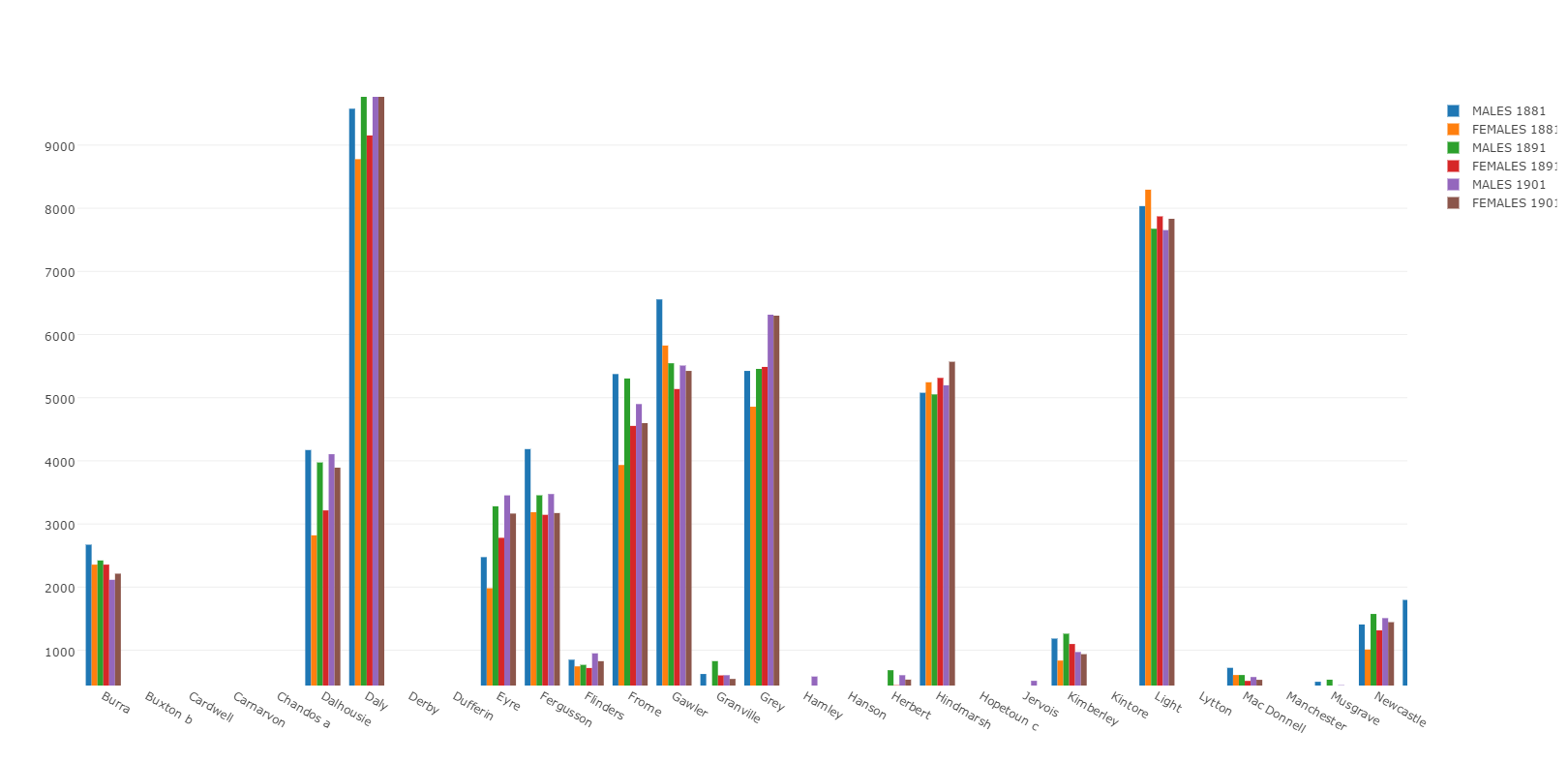
But small steps I guess, and here’s one of them, my first attempt at plotting data with Plot.ly. Ok so that hyperlink isn’t fabulous, but here’s a screengrab of the bar graph from the data representing populations of Males and females in tasmania, broken up by town and year using census data from 1881 to 1901.
Open Refine seems incredibly useful, particularly when looking over the data from the Tasmanian inquests. Using open refine, the ‘free form’ descriptions of inquest findings could be collated and, well, refined to provide more practical information. Really cool stuff, but I still have to get my head around CSV’s, API’s and most other acronyms we’ve run into.
Cheers,
Aiden
Week 4 – Mining data
A few thoughts about big data/ small data and how data is interpreted and presented within a cultural heritage context.
As Posner and Sherratt point out, it’s messy – the data used in digital cultural heritage is most often ‘mined’ from a variety of sources and often lacks threads of connection and any meaningful engagement and interpretation – flat, lifeless, unwieldy, incomprehensible, nor relatable.
I can see how engaging with the available digital data sets and collection repositories, would help me to navigate this impervious data world, understand its breadth and complexity and exploit its potential to fathom and discern areas of interest or, buried treasure!
The tools presented to us, which are freely available to help us engage and experiment with data (after investing time and working through the guided tutorials), including mapping and graphing with plot.ly, screen scraping with import.io and cleaning data with OpenRefine, all provide a way in.
Still haven’t engaged with or tried GIF tutorial and only just starting to come up with idea(s) for a project – mapping and visualising public and private cultural (artefact based) collections in Australia; but where will I get the data ?? do I start with google…yikes! nooooooooooooooo?
